
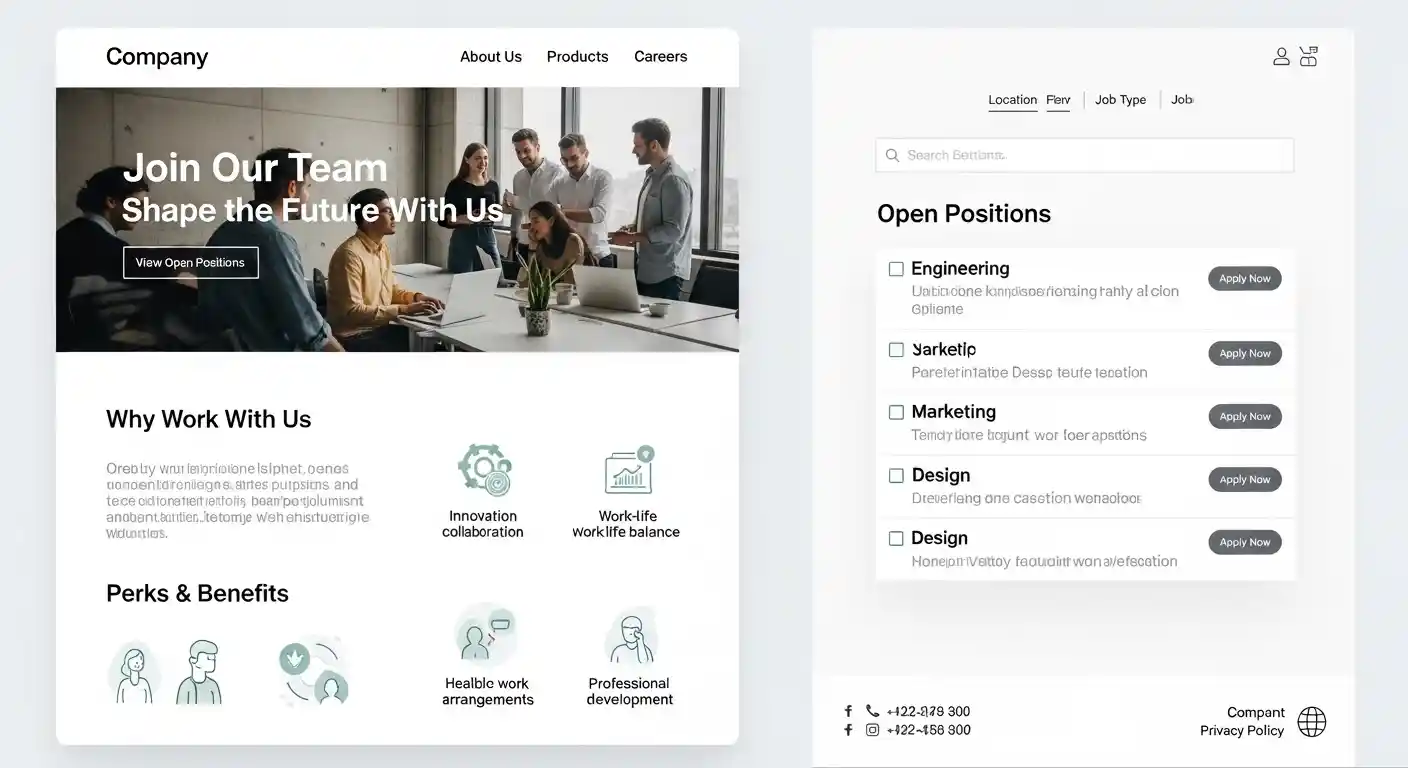

Career Page Without Subdomain: How to List Open Positions Directly on Your Main Domain
If you’re building or reworking your company’s online presence, one question comes up surprisingly often: should your career page live on a subdomain like jobs.yourcompany.com — or directly on your main site? Setting up a karriere seite ohne subdomain offene stellen (a career page without a subdomain for open positions) is quickly becoming the smarter move for most businesses. And once you understand why, it’s hard to argue otherwise.
Why Your Career Page Belongs on Your Main Domain
A lot of companies default to subdomains out of habit or because their HR software pushes them that way. The problem is, search engines treat subdomains as separate websites. That means all the SEO authority your main domain has built up over the years doesn’t automatically pass to jobs.yourcompany.com.
When you host your open positions directly under your root domain — like yourcompany.com/karriere or yourcompany.com/jobs — every job listing you publish contributes back to your main site’s authority. You’re not splitting your SEO equity. You’re stacking it.
Beyond SEO, there’s a trust factor. Candidates are cautious. When they land on a career page that looks disconnected from the main brand, it raises subtle doubts. A unified domain feels more professional and more legitimate.
How to Set Up a Karriere Seite Ohne Subdomain for Offene Stellen
Choose the Right URL Structure
The first step is picking the right path. Keep it simple and consistent:
- yourcompany.com/jobs
- yourcompany.com/karriere
- yourcompany.com/open-positions
Short, clean, and memorable. Avoid deep nesting like /about/company/team/jobs — that buries your listings and confuses both users and search engines.
Use a Subdirectory, Not a Subdomain
This is the key technical decision. A subdirectory (also called a subfolder) keeps everything under one roof. Your HR software might offer an embeddable widget or an API integration — use that to pull job listings into your existing site rather than redirecting candidates to an external system.
Platforms like Personio, Softgarden, Teamtailor, and many others support iframe embeds or direct integrations that let you display offene stellen (open positions) right on your main domain.
Make the Page Crawlable
Embedding job listings via JavaScript or iframes can create crawlability issues. Search engines sometimes struggle to index content loaded dynamically. To fix this:
- Use server-side rendering (SSR) where possible
- Submit your career page URL directly in Google Search Console
- Add job postings to your XML sitemap
- Use structured data markup (Schema.org JobPosting) for each listing
That last point is worth emphasizing. Adding JobPosting schema to each listing can get your open roles showing up as rich results directly in Google Search — a huge visibility boost that subdomains rarely achieve as effectively.
How Long Do Golden Potatoes Take to Boil?
Practical Example: A Mid-Sized Company Making the Switch
Imagine a logistics company with 200 employees. They’d been running their careers section on jobs.logistics-co.com for three years. Traffic was flat, and applications were low despite decent job ads.
They moved everything to logistics-co.com/karriere, added JobPosting schema, and submitted the new URLs to Search Console. Within six weeks, organic traffic to their career section doubled. More importantly, their “Logistics Jobs [City]” keyword rankings improved significantly — because those pages were now benefiting from the main site’s domain authority.
The setup took one developer about two days using Personio’s embed feature. That’s it.
Pros and Cons of a Career Page Without a Subdomain
Pros
- Stronger SEO: All link equity stays within your main domain
- Better brand consistency: One domain, one experience for candidates
- Easier to manage: No separate CMS or hosting to maintain
- Improved crawlability: Google indexes your jobs as part of your main site
- Higher candidate trust: A unified URL looks more legitimate
Cons
- Integration complexity: Some HR tools require extra work to embed properly
- Potential site speed impact: Poorly embedded job widgets can slow down your page
- Less flexibility for large enterprises: Companies with hundreds of listings may need more robust filtering logic
- CMS limitations: Some older CMS setups make subdirectory management tricky
Common Mistakes to Avoid
A lot of businesses make avoidable errors when setting this up. Here’s what to watch out for:
1. Using iframes blindly Many HR platforms default to iframe embeds. Iframes are invisible to search engines. If your job listings only exist inside an iframe, they won’t rank. Always check if your platform offers a JavaScript embed with server-side rendering, or an API you can use to render jobs natively.
2. Forgetting to redirect the old subdomain If you’re migrating from a subdomain, set up 301 redirects from every old URL to the new subdirectory equivalent. Missing this step loses link equity and creates broken links.
3. No structured data Skipping Schema.org JobPosting markup is a missed opportunity. Google can show your listings directly in search results with rich snippets — but only if you mark them up correctly.
4. Ignoring internal linking Your career page shouldn’t be an island. Link to it from your homepage, about page, and footer. Internal links help search engines find and prioritize the page.
5. Publishing duplicate job listings If your job is also posted on external boards, make sure your on-site listing is the canonical version. Add a canonical tag pointing to your domain to avoid duplicate content penalties.
Best Practices for Your Career Page Setup
Follow these and you’ll be ahead of most competitors:
- Keep the URL short and keyword-relevant — /karriere or /jobs works great
- Add a dedicated landing page for each open position — don’t dump all jobs on one page with no individual URLs
- Use H1 tags with job titles — this helps with on-page SEO for role-specific searches
- Include location in job titles — “Marketing Manager Berlin” ranks better than just “Marketing Manager”
- Compress images and optimize page speed — a slow career page loses candidates fast
- Mobile-optimize everything — most candidates browse on their phones
- Update listings regularly — stale job postings hurt credibility and SEO
Conclusion
Moving your offene stellen to a subdirectory on your main domain isn’t just a technical preference — it’s a strategic advantage. You gain SEO strength, brand consistency, and candidate trust all at once. The setup is manageable even for small teams, especially with modern HR platforms offering solid integration options.
If you’ve been sitting on the fence about whether to restructure your career section, this is your nudge. Start with the URL structure, get your schema markup in place, and make sure your listings are actually crawlable. The results tend to show up faster than most people expect.
FAQs
1. Is a subdomain or subdirectory better for SEO on a career page?
A subdirectory is almost always better. It keeps all SEO authority within your main domain rather than splitting it across what search engines treat as a separate site.
2. Can I still use my HR software if I switch to a subdirectory setup?
Yes. Most modern HR platforms like Personio, Softgarden, and Teamtailor support embed options or APIs that let you display listings on your main domain without rebuilding your entire recruitment workflow.
3. How do I make sure Google indexes my job listings?
Submit your career page URL in Google Search Console, include it in your XML sitemap, and add JobPosting schema markup to each individual listing.
4. What is JobPosting schema and why does it matter?
It’s a type of structured data markup from Schema.org that tells Google exactly what your job listing contains. When implemented correctly, your listings can appear as rich results directly in search — significantly increasing visibility.
5. How long does it take to see SEO results after migrating from a subdomain?
It varies, but most sites see measurable improvements within four to eight weeks, provided the migration is done correctly with proper 301 redirects and sitemap updates.
